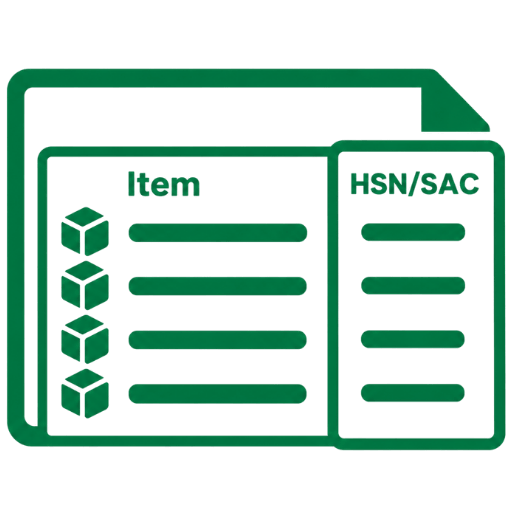
Separate HSN/SAC Columns for Items
A dedicated column for HSN/SAC is now available in Quotation and Proforma Invoices, allowing users to display them in a separate column.
- (i) Keep HSN/SAC Codes clearly visible and independent from the Item Description.
- (ii) Maintain a cleaner and more organized layout in Quotation and PI documents.
- (iii) Have better readability, clearer Item-wise tax information, and a more professional presentation in customer-facing documents.
Version No.: 1.12.15 | Release Date: 09/09/2026

New Field: Quotation Validity
A new Quotation Validity field is now available in QuoteMan, allowing users to specify how long a quotation remains valid. This helps clearly communicate the validity period of an offer to customers.
- (i) Add the Quotation Validity period to your quotations.
- (ii) Specify the number of days or the validity period according to your business requirements.
- (iii) Display the validity information clearly in customer-facing quotation documents.
- (iv) Help customers understand how long the quoted prices and terms remain applicable.
Version No.: 1.12.15 | Release Date: 09/09/2026

New Template: Lite 2.0
Lite 2.0, a new and improved version of the template Lite is now available in QuoteMan, offering a refreshed document layout for creating professional Quotations.
- (i) Present Item details, pricing, and other document information in a clean and organised layout.
- (ii) Some fields have been tweaked for a better visibility.
Version No.: 1.12.15 | Release Date: 09/09/2026
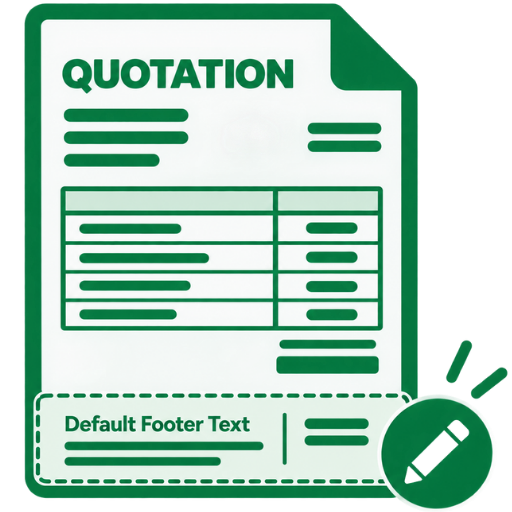
Default Footer Text
You can now change the default footer text in your Quotations according to your business requirements. This allows you to personalize the information displayed at the bottom of your documents.
- (i) Add or update information you want to display in the footer.
- (ii) Keep your document footer aligned with your business communication and requirements.
Version No.: 1.12.15 | Release Date: 09/09/2026
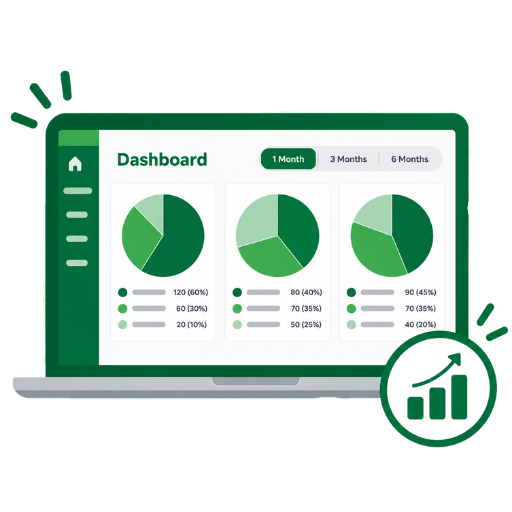
New Graphs
We have added three brand new Pie-charts on the dashboard for better data visibility. You can view the No. & Percentage-wise distribution of the following by 1 month, 3 months or 6 months.
- (i) Lead Source: View by Lead Source added in quotations or in customers
- (ii) Sales Status
- (iii) Quotation Segment
Version No.: 1.12.15 | Release Date: 09/09/2026

Updated Navigation Bar
We have consolidated the menu buttons on Navigation Bar for more organised access.
- (i) Quotations, Proforma Invoices & Commissions can be found under Documents.
- (ii) Customers, Items & Sales Persons can now be found under Masters.
- (iii) Everything else remains the same.
Version No.: 1.12.14 | Release Date: 04/09/2026

Add Website & CIN/LLPIN in Profile
You can now add more business details directly to your Profile, making it easier to maintain complete and up-to-date business information in one place.
- (i) Add your official business website URL to your Profile.
- (ii) Based on your selection of company type, you can also add CIN or LLPIN.
- (iii) Make your details more complete and informative.
Version No.: 1.12.14 | Release Date: 04/09/2026

Add Multiple Bank Details
You can now add multiple bank accounts with UPI codes in your profile and select which bank accounts to show in your Quotations and Proforma Invoice.
- (i) You can select a bank account by default or select it at the time of document creation.
- (ii) Now add up to 10 bank accounts with UPI codes in your profile.
Version No.: 1.12.14 | Release Date: 04/09/2026
Export Data
You can now export data of fields of your selection in Customers, Items, Proforma Invoices and Quotations.
- (i) You can select the fields you want to export.
- (ii) Admin can set permissions for Sales Persons & Branches under Permissions in Settings.
- (iii) You can also select the time period.
Version No.: 1.12.14 | Release Date: 04/09/2026
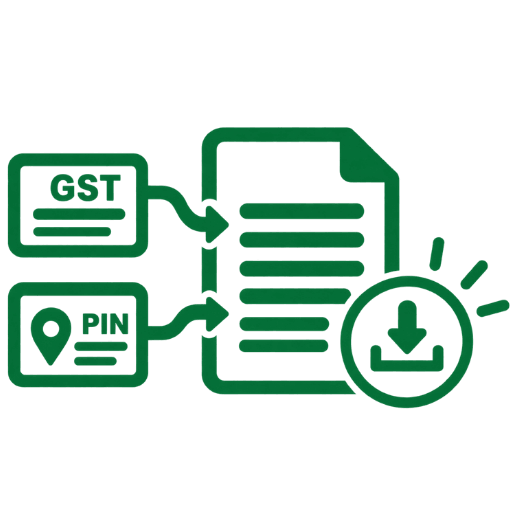
Auto-fetch Data from GST & PIN Code
Customer information can now be fetched automatically using GST and PIN Code details, helping users add and manage customer information more quickly and accurately.
- (i) Automatically fetch relevant customer details using the GST number.
- (ii) Fetch location-related information using the customer's PIN Code.
- (iii) Reduce the need for manual data entry while adding customer details.
- (iv) You can also add PIN Code in branches.
Version No.: 1.12.14 | Release Date: 04/09/2026

Updates in Items & Item Groups
We have brought a few updates in the items for a more seamless usage of QuoteMan.
- (i) Users can hide images associated to an item while creating or editing a quotation.
- (ii) Users can change the serial of group specifications by simple drag & drop during item group creation.
Version No.: 1.12.14 | Release Date: 04/09/2026

Hide & Show Contact Numbers of Salesperson
Now, you can easily hide or show contact numbers of your salesperson on the contact details of Quotations & Proforma Invoices.
- (i) Hide personal numbers of the salesteam.
- (ii) Make the contact number of the management permanent.
- (iii) Keep the contact information accurate and up to date.
Version No.: 1.12.14 | Release Date: 04/09/2026
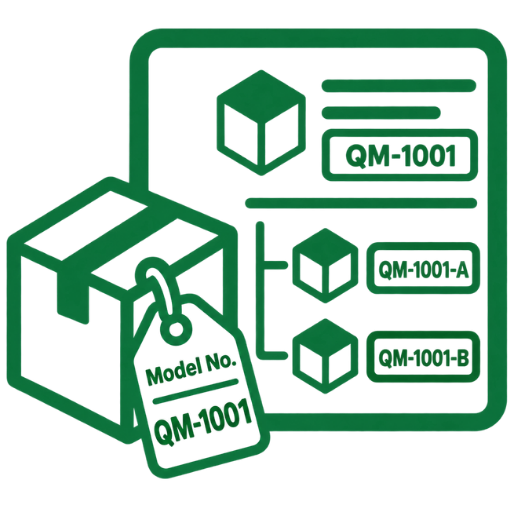
Item Model Number for Items & Sub-Items
Users can now add Model Numbers for both Items and Sub-Items for better clarity.
- (i) Model Numbers can now be enabled from General Tab in Settings via the admin's login.
- (ii) Model Numbers can be maintained for different products, variants, or configurations.
- (iii) The correct product and model information can be clearly captured and presented in Quotations and Proforma Invoices.
- (iv) Users can now also search for items and sub-items by typing the Model Number while adding items and sub-items to the list.
Version No.: 1.12.14 | Release Date: 12/08/2026
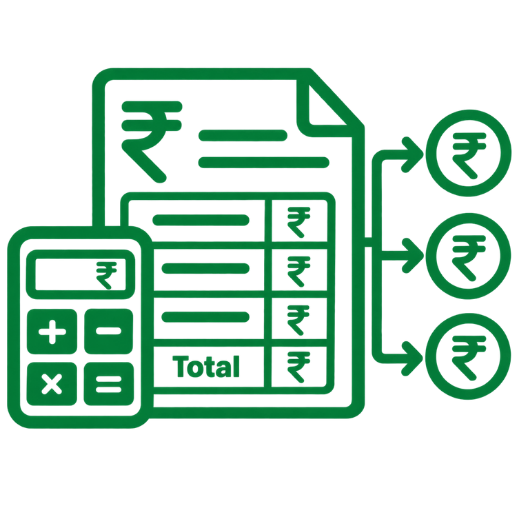
Multiple Payment Calculation in PI Calculator
The PI amount calculator now supports multiple payment calculations within a single payment request. This allows users to add multiple calculations on items and additional charges for a customer's better understanding.
- (i) Payments can be defined and calculated across multiple stages based on your payment structure.
- (ii) It supports scenarios such as advance payments, milestone-based payments, balance payments, and other customized payment terms.
- (iii) The requested amount now reflects the source of the calculation.
Version No.: 1.12.14 | Release Date: 05/08/2026
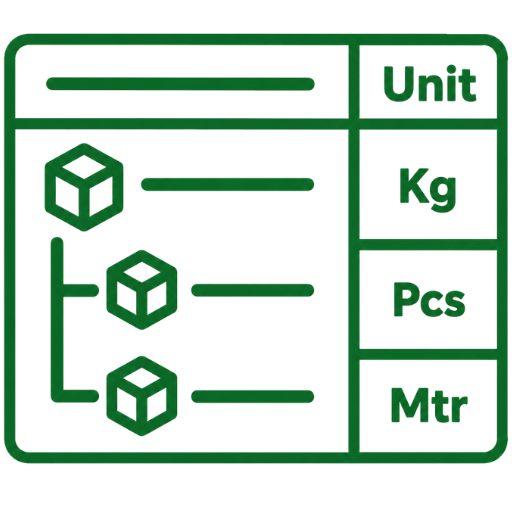
Separate Unit Column for Items & Sub-Items
A dedicated column for Unit is now available for both Items and Sub-Items in Quotation and Proforma Invoice (PI) Views & PDFs.
- (i) The Separate Unit column can be enabled using the Enable Item Units Column Separately option from General Tab in Settings via the admin's login.
- (ii) Units such as Nos., Kg, Meter, Box, Set, etc. can now be displayed independently from the item's rate column.
Version No.: 1.12.14 | Release Date: 31/07/2026

Decimal Quantity Support
You can now enter item quantities in decimal values (e.g., 1.5, 2.75, or 0.25) for more accurate quotations.
Version No.: 1.12.14 | Release Date: 26/06/2026

Add Subject & Body to Quotations & Proforma Invoices
Now add subject and body messages on your quotes. This helps you personalise your quotations for your customers even more.
- (i) Save messages by default.
- (ii) Give power to users for edit and delete.
- (iii) You can format the text to make it more impactful.
Version No.: 1.12.14 | Release Date: 23/06/2026

Duplicate Quotations
Now users can create new quotes by duplicate existing ones by a simple click on one button.
- (i) Save time by just duplicating existing quotes.
- (ii) Modify the necessary fields and quote.
- (iii) Duplicated quotations can be seen via icon and its history.
Version No.: 1.12.14 | Release Date: 22/06/2026

Quotation Date Management
- (i) Users can now change quotations dates to both past and future dates.
- (ii) A new permission setting has been introduced, allowing admin to control whether salespersons & branches can modify quotation dates.
- (iii) This enhancement provides greater flexibility while ensuring admin oversight of quotation records.
- (iv) The actual date and time of creation will be visible on the quotation list page.
Version No.: 1.12.14 | Release Date: 20/06/2026

Default Display Settings for Quotations
- (i) Admin can now define default display settings that are automatically applied to all newly created quotations.
- (ii) These settings can be configured for both admin, branches and salespersons, eliminating the need to repeatedly apply the same preferences for each quotation.
- (iii) Salespersons with the appropriate permissions can customize these settings; otherwise, the admin-defined defaults will be applied automatically.
Version No.: 1.12.14 | Release Date: 14/06/2026

Text Editor for Enhanced Content Formatting
A new rich text editor for content formatting has been introduced for:
- (i) Special Notes
- (ii) Terms & Conditions
- (iii) Item Descriptions
Version No.: 1.12.14 | Release Date: 08/06/2026

Tally Integration (Paid)
- (i) QuoteMan can now be integrated with Tally, enabling seamless synchronization of customer and item masters.
- (ii) Flexible sync options are available, including Tally to QuoteMan, QuoteMan to Tally, and a Two-Way Sync.
- (iii) Sales Orders can now be created in Tally from Proforma Invoices generated in QuoteMan on a single-click.
- (iv) To enable Tally Integration in your QuoteMan account, please contact the Support Team.
Version No.: 1.12.14 | Release Date: 02/06/2026

Item Display Name in Quotation PDF
A new Display Name field has been introduced alongside the Item Name.
- (i) This feature can be enabled from Settings.
- (ii) If a Display Name is entered, it will appear in the Quotation PDF instead of the original Item Name.
Version No.: 1.12.14 | Release Date: 28/05/2026
Editable Quotation Heading
A new setting has been added: Enable Quotation Heading Editable Feature.
- (i) Access can be controlled branch-wise and salesperson-wise through permission settings.
- (ii) Users with granted permission can edit the quotation heading.
- (iii) Users without permission will have view-only access.
Version No.: 1.12.14 | Release Date: 22/05/2026

Quotation Assignment to Salesperson
Admins can now directly assign quotations to salespersons, making quotation tracking and responsibility management more streamlined and efficient.
Version No.: 1.12.14 | Release Date: 13/05/2026
Admin Control Item Rate Permissions
Admins can now grant or restrict item rate modification permissions for branches and salespersons from Settings > Permissions. This ensures that users cannot change item rates according to their own requirements without authorization, helping maintain pricing consistency and improving overall security and accountability within the quotation workflow.
Version No.: 1.12.14 | Release Date: 04/05/2026
Admin Control Item Discount Permissions
Admins can now control whether branches or salespersons are allowed to apply discounts on items directly from Settings > Permissions, ensuring tighter control over pricing across the system. This feature helps maintain consistency in quotations while preventing unauthorized discount usage, ultimately improving security, accountability, and overall pricing discipline within the workflow.
Version No.: 1.12.14 | Release Date: 26/03/2026
Export Items & Sub-item in CSV Format
Users can now export both Items and Sub-Items in CSV format, providing quick and structured access to data in a downloadable file. This feature simplifies bulk data management, making it easier to analyze information, maintain records, and share item details externally without manual effort. Overall, it enhances workflow efficiency by enabling smooth, organized, and hassle-free data handling outside the software.
Version No.: 1.12.14 | Release Date: 25/03/2026
Profile & Settings Layout Update
The Profile page is now redesigned into five clear sections for faster access and smoother navigation: Admin & Organization Details, Branding & Display, Numbering & Prefix, Bank Details, and Terms & Conditions. This improved layout makes it easier to manage important settings like company information, branding preferences, quotation prefixes, start numbers, bank details display, and default terms in one convenient place-helping you maintain better control, consistency, and efficiency across your documents.
Version No.: 1.12.14 | Release Date: 26/02/2026
Special Notes in Quotations & Proforma Invoice
Add important notes—such as discount reasons, special instructions, or internal remarks—directly within Quotations and Proforma Invoices. A simple toggle lets you decide whether the note is visible on the document or kept for internal reference, ensuring clear communication.
Version No.: 1.12.14 | Release Date: 18/02/2026
Include Item Description, Image & catalog in Sub-items
Sub-items now support descriptions, images, and catalog uploads. This helps provide clearer quotations, especially when listing similar products with different sizes or variations.
Version No.: 1.12.14 | Release Date: 11/02/2026

Multiple Mobile Numbers per Profile
Add and manage multiple mobile numbers for each profile, and choose which number to display on Quotations and Proforma Invoices (PI). This gives you flexibility to show the right contact details for different clients, branches, or business needs.
Version No.: 1.12.14 | Release Date: 03/02/2026

Smart Sub-Item Search
Users can now easily search and find sub-items after selecting a parent item. This makes item selection faster, more accurate, and hassle-free—especially when dealing with large item lists or detailed quotations.
Version No.: 1.12.14 | Release Date: 31/01/2026
Approval Status Filter
Add status-based filters on the quotation list page so users can easily view Approved, Not Approved, and Pending quotations.
Version No.: 1.12.14 | Release Date: 08/12/2025
Hide Specific Fields
Choose to hide Quantity, Discount, GST, or Total fields in quotations as per your preference.
Version No.: 1.12.14 | Release Date: 19/11/2025
GST on Additional Charges
Apply GST to extra costs like labour charges or other additional charges when needed.
Version No.: 1.12.14 | Release Date: 03/11/2025
Secondary Unit Rate
Define a Secondary Unit Rate for your items for better rate flexibility.
Version No.: 1.12.14 | Release Date: 21/10/2025
Sub-items in Quotations
Add sub-items under main items for detailed product or service breakdowns.
Version No.: 1.12.14 | Release Date: 08/10/2025
Custom Sales Status
Create and manage your own sales statuses for better tracking.
Version No.: 1.12.14 | Release Date: 27/09/2025
Action Comments
Add comments when performing actions on quotations and view them in quotation history.
Version No.: 1.12.14 | Release Date: 14/09/2025
Multiple Contact Persons
Add multiple contact persons per customer with Name, Mobile, E-mail, Designation and Aadhaar - and mention them in "Kind Attention".
Version No.: 1.12.14 | Release Date: 05/09/2025

Authorized Signature & Stamp
Add an Authorized Signature and Stamp to your quotations for operational presentation.
Version No.: 1.12.14 | Release Date: 27/08/2025
Project & Segment Details
Include Project Details and Segment Type directly in your quotations.
Version No.: 1.12.14 | Release Date: 16/08/2025

Commission Assignment
Assign commissions to Salespersons or Customers directly within the quotation.
Version No.: 1.12.14 | Release Date: 05/08/2025
New Templates
Fresh, professional Proforma Invoice and Quotation templates for improved presentation.
Version No.: 1.12.14 | Release Date: 27/07/2025

Common Quotations & Proforma Invoices
Create Common Quotations and Proforma Invoices that can be shared across branches and sales persons.
Version No.: 1.12.14 | Release Date: 15/07/2025

